1. Key Pair and SSH Access When creating an EC2 instance…

1 reactions
1. Key Pair and SSH Access
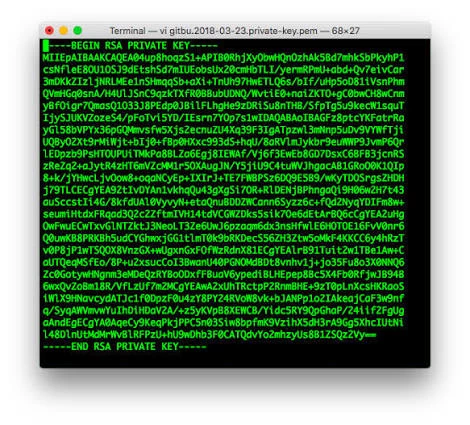
When creating an EC2 instance, AWS prompts you to generate a **key pair (RSA or ED25519)**. This key is essential for connecting via SSH and installing your tools (Python, Selenium, browser, etc.). Without a key, you will not be able to access your server directly. For beginners, it is recommended to create a key pair and download it in `.pem` format (Linux/macOS) or `.ppk` format (Windows with PuTTY or CureFTP).
2. Available Formats and Compatibility
- **RSA (.pem)**: the most widespread format, works with OpenSSH on Linux/macOS and with PuTTY on Windows.
- **ED25519 (.pem)**: newer and more secure, but RSA remains more universal.
- **.ppk**: used by PuTTY and CureFTP on Windows. You can convert a `.pem` file to `.ppk` using PuTTYgen if needed.
3. Linking with Selenium and Python
Selenium and Python do not directly use the key pair. This key pair is only used to **open the SSH connection** for installing Python, Selenium, and configuring the browser (Chrome or Firefox with WebDriver). Once connected using your key, you can transfer your scripts via CureFTP and run your tests. In practice, to simplify things, choose **RSA as a .pem file**, then convert it to `.ppk` if you are using CureFTP on Windows.
When creating an EC2 instance, AWS prompts you to generate a **key pair (RSA or ED25519)**. This key is essential for connecting via SSH and installing your tools (Python, Selenium, browser, etc.). Without a key, you will not be able to access your server directly. For beginners, it is recommended to create a key pair and download it in `.pem` format (Linux/macOS) or `.ppk` format (Windows with PuTTY or CureFTP).
2. Available Formats and Compatibility
- **RSA (.pem)**: the most widespread format, works with OpenSSH on Linux/macOS and with PuTTY on Windows.
- **ED25519 (.pem)**: newer and more secure, but RSA remains more universal.
- **.ppk**: used by PuTTY and CureFTP on Windows. You can convert a `.pem` file to `.ppk` using PuTTYgen if needed.
3. Linking with Selenium and Python
Selenium and Python do not directly use the key pair. This key pair is only used to **open the SSH connection** for installing Python, Selenium, and configuring the browser (Chrome or Firefox with WebDriver). Once connected using your key, you can transfer your scripts via CureFTP and run your tests. In practice, to simplify things, choose **RSA as a .pem file**, then convert it to `.ppk` if you are using CureFTP on Windows.


1
| 45,000 mlx | |
| 76 | |
| 1 |