
29 reactions
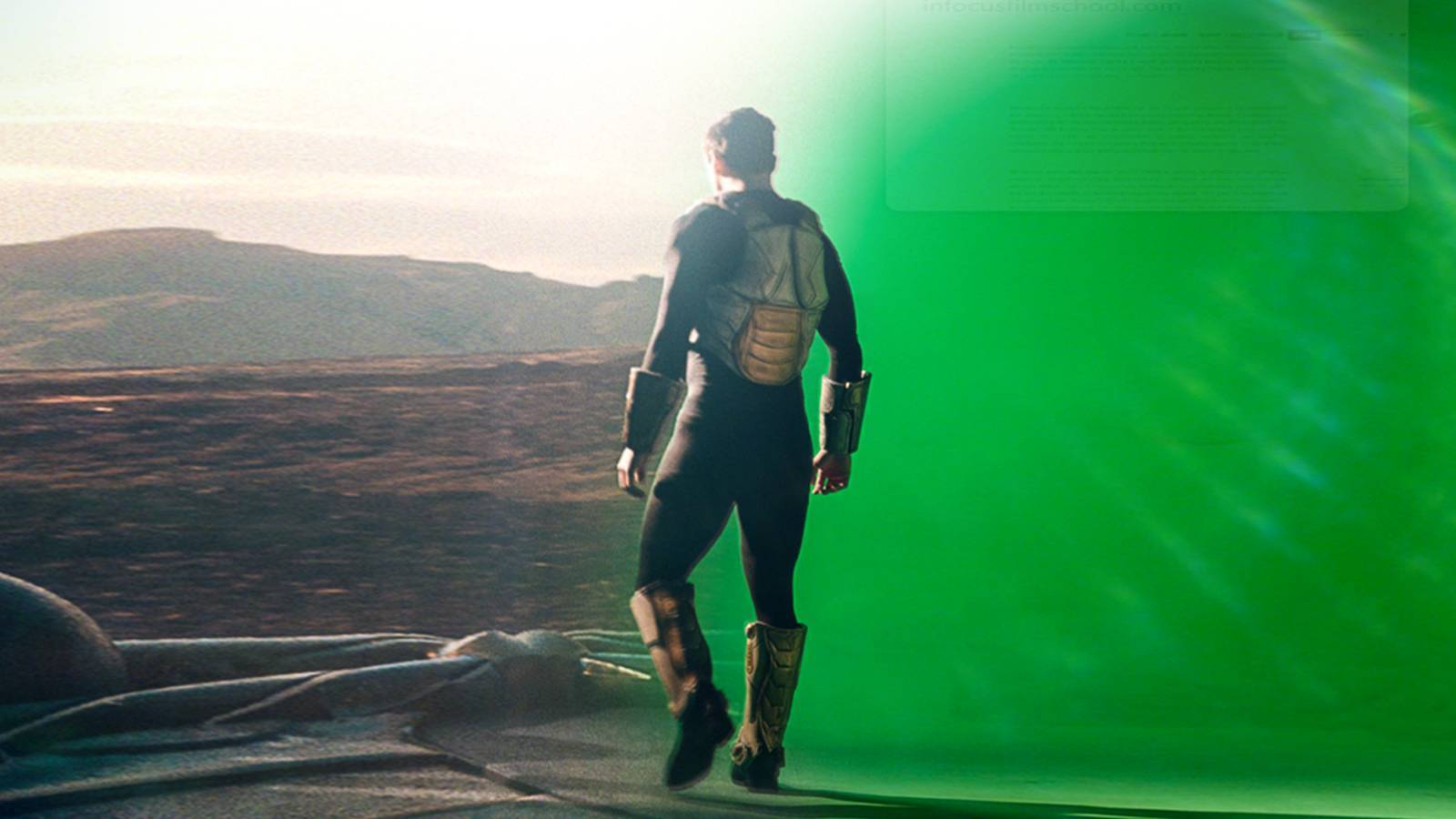
Today I thought I would give a breakdown on how I did my #lipsync video. I used my Canon M50 to capture my footage of me standing in front of a greenscreen. I used free stock footage of the moon for the intro and found my background on a Google search. The editing software I use to bring everything together is Hit Film Pro https://fxhome.com/
Hit Film has a free and paid version that is a video editor and video effects software. I used to Hit Film to key out the greenscreen color that makes what is called a matte. When I have a matte I can place any background I want to use on the person filmed in front of of the greenscreen. The effects were basic I wanted to make it look like a old film. I turned the footage to black and white then added a grain and film damage effect to make it look like a old film.
Hit Film has a free and paid version that is a video editor and video effects software. I used to Hit Film to key out the greenscreen color that makes what is called a matte. When I have a matte I can place any background I want to use on the person filmed in front of of the greenscreen. The effects were basic I wanted to make it look like a old film. I turned the footage to black and white then added a grain and film damage effect to make it look like a old film.

7

2

1

1

1

1
| 2,268,000 mlx | |
| 177 | |
| 29 |

i was going through posts that i had saved and realized i hadn't tipped this one, i meant to - 1,000 pardons :]

1

I have two greenscreens a really big one and a smaller one. I bought them for the band to make a music video if we can ever get the time to film it lol I used the smaller one for the my lip sync video.
1
