
12 reactions
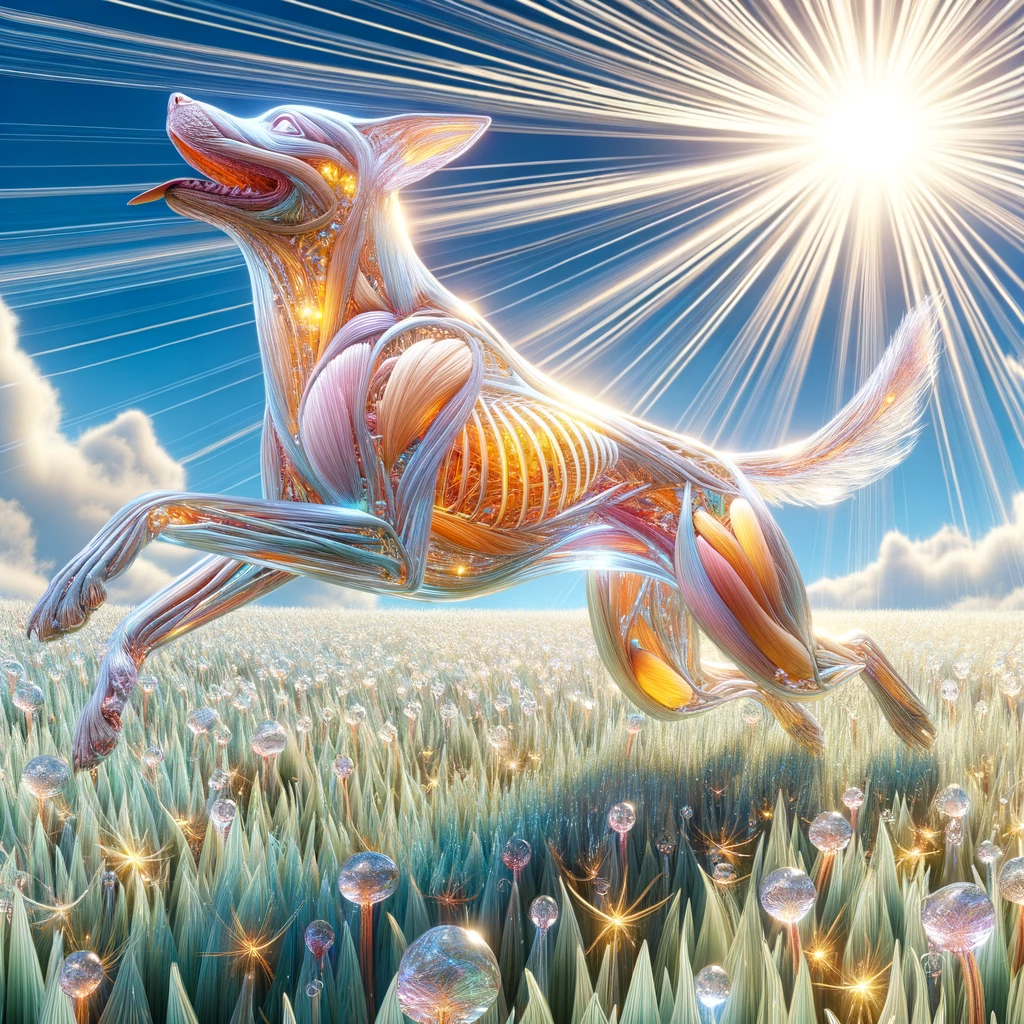
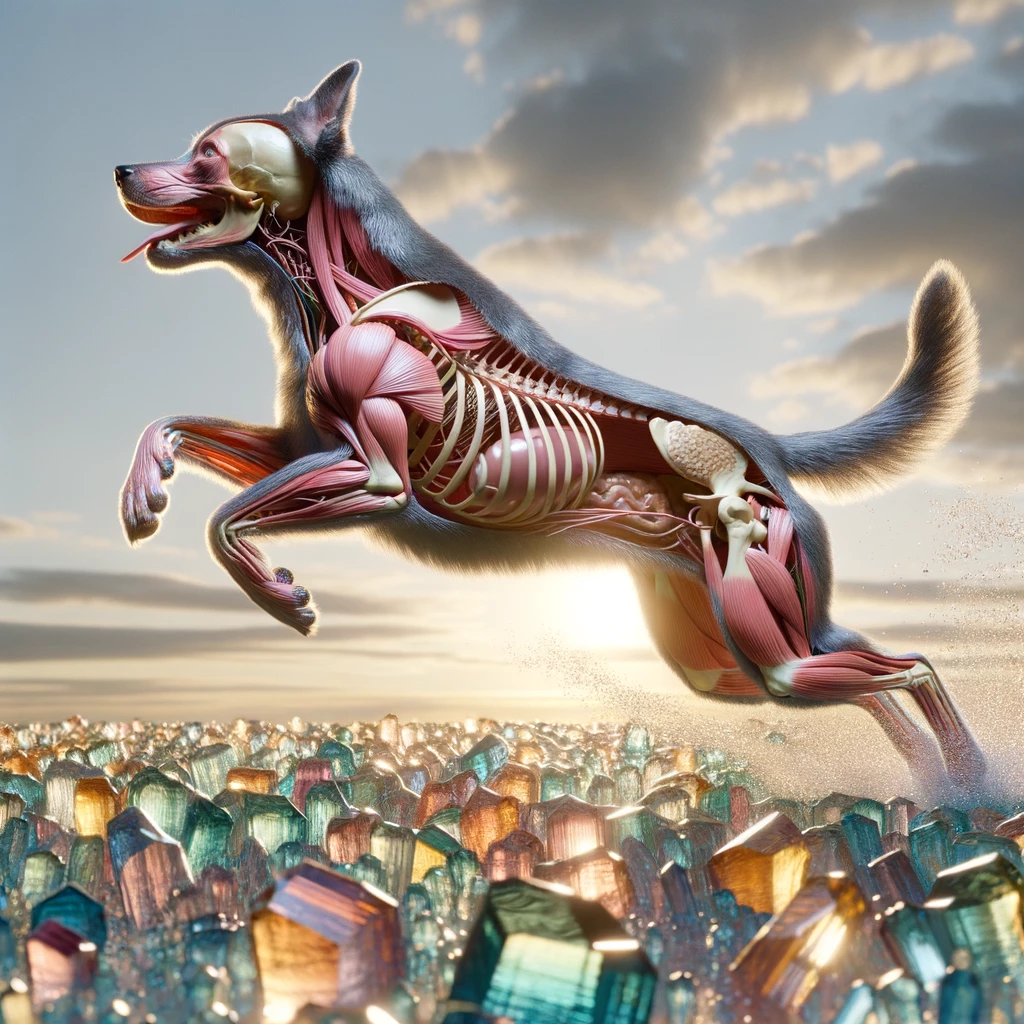
Two of my most recent Dalle-3 images of Inside out dogs. I like to come up with unorthodox prompts to plug into Dalle-3 to generate art that people don't normally see on a daily basis.
#AI #art #artificialintelligence #ai_art #dalle3
#AI #art #artificialintelligence #ai_art #dalle3
1/2


7
27 reactions
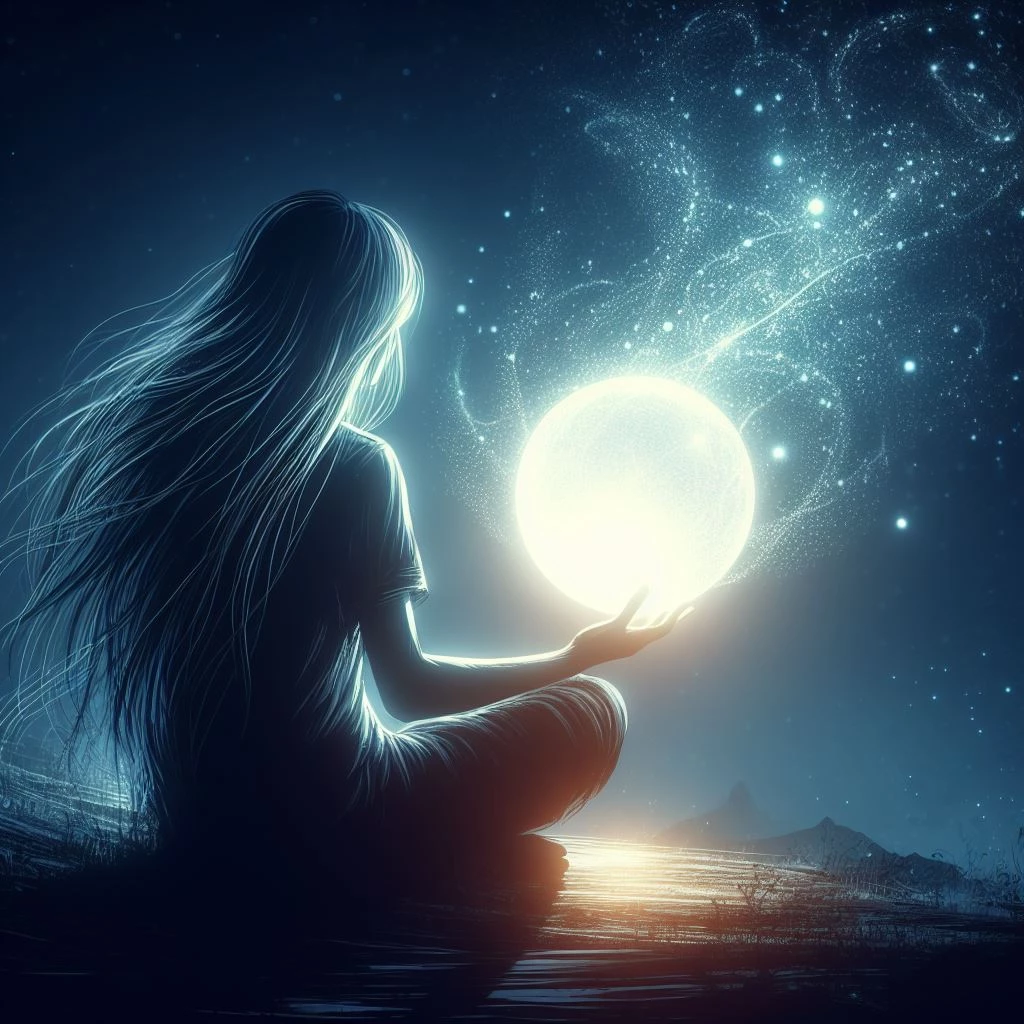
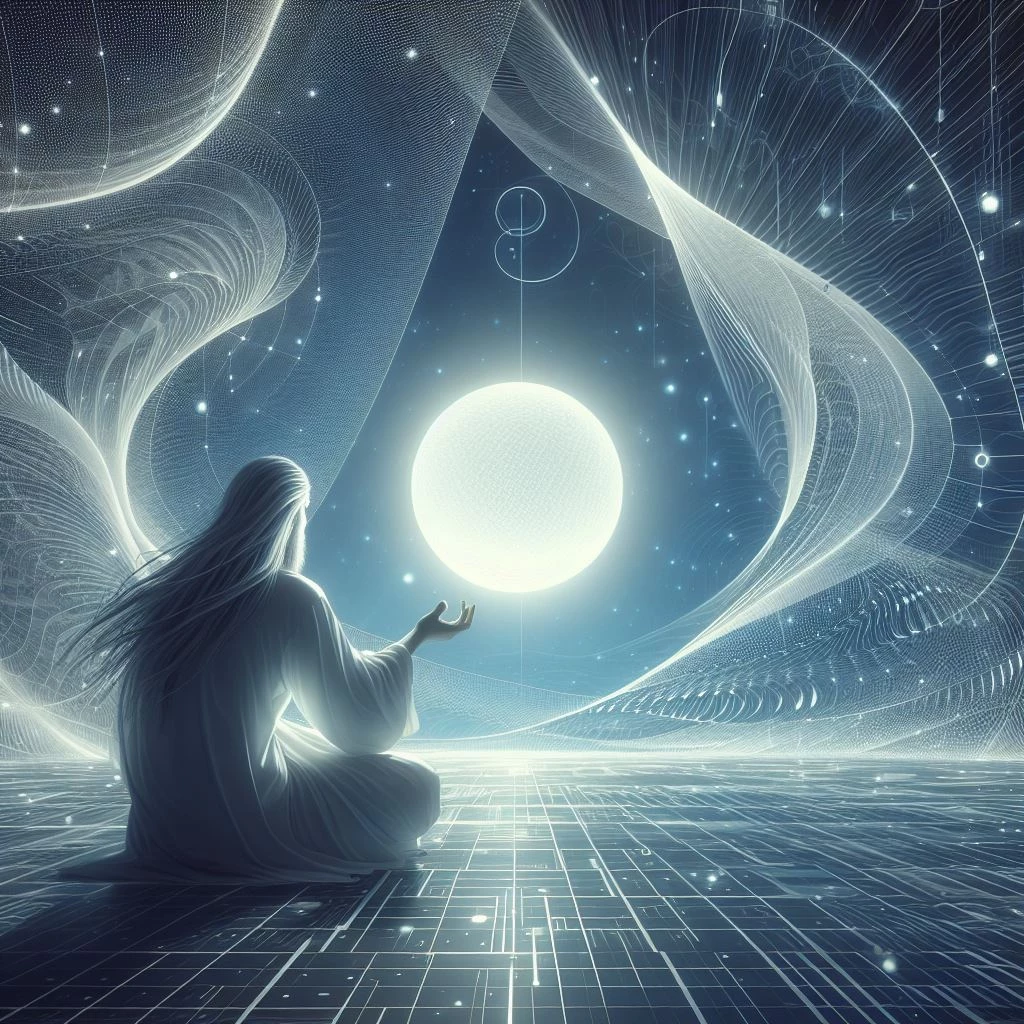
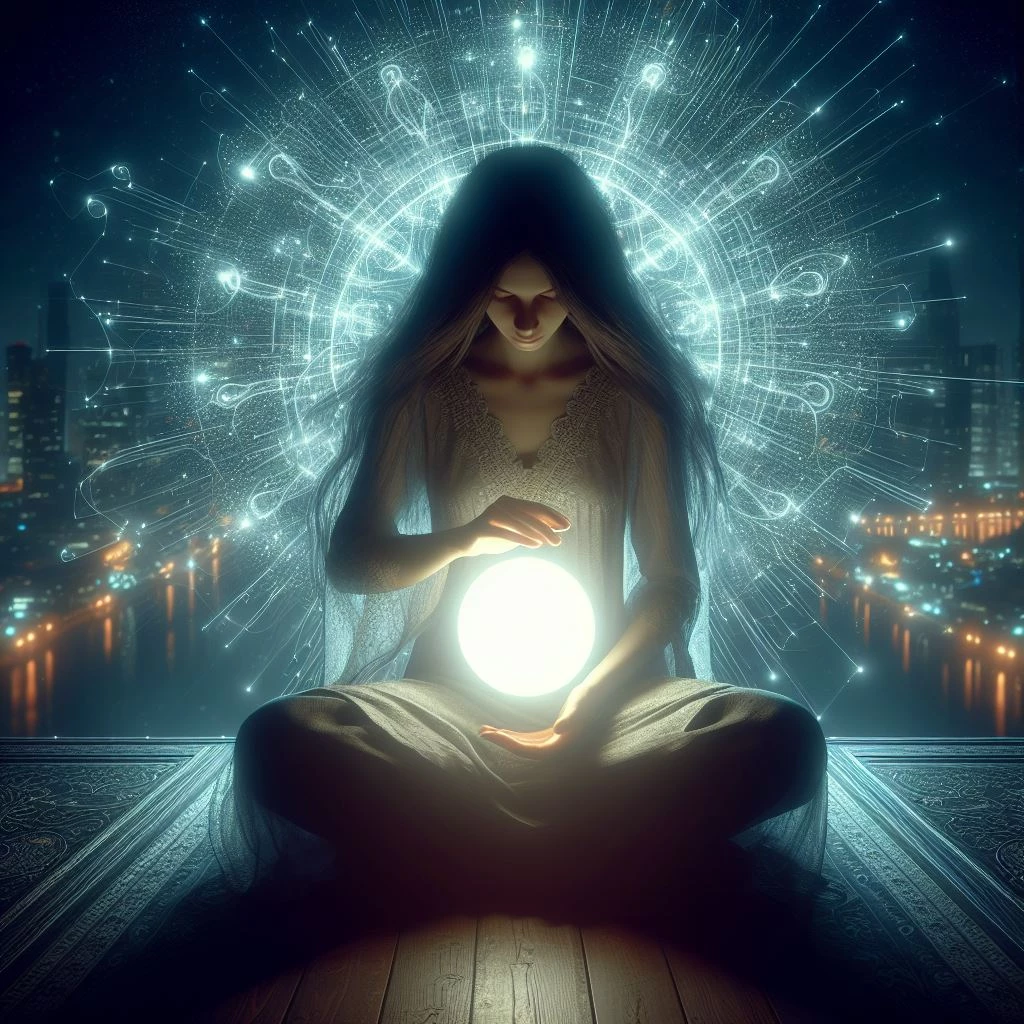
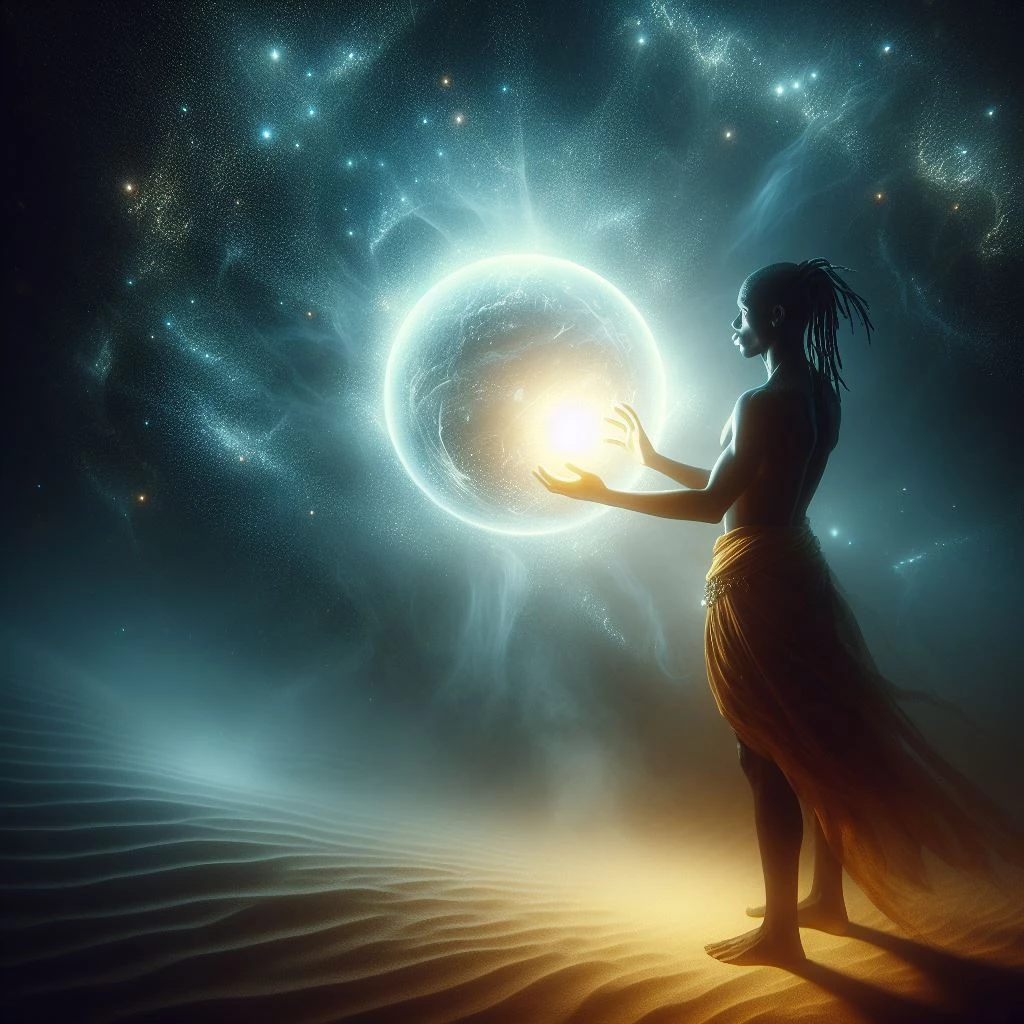
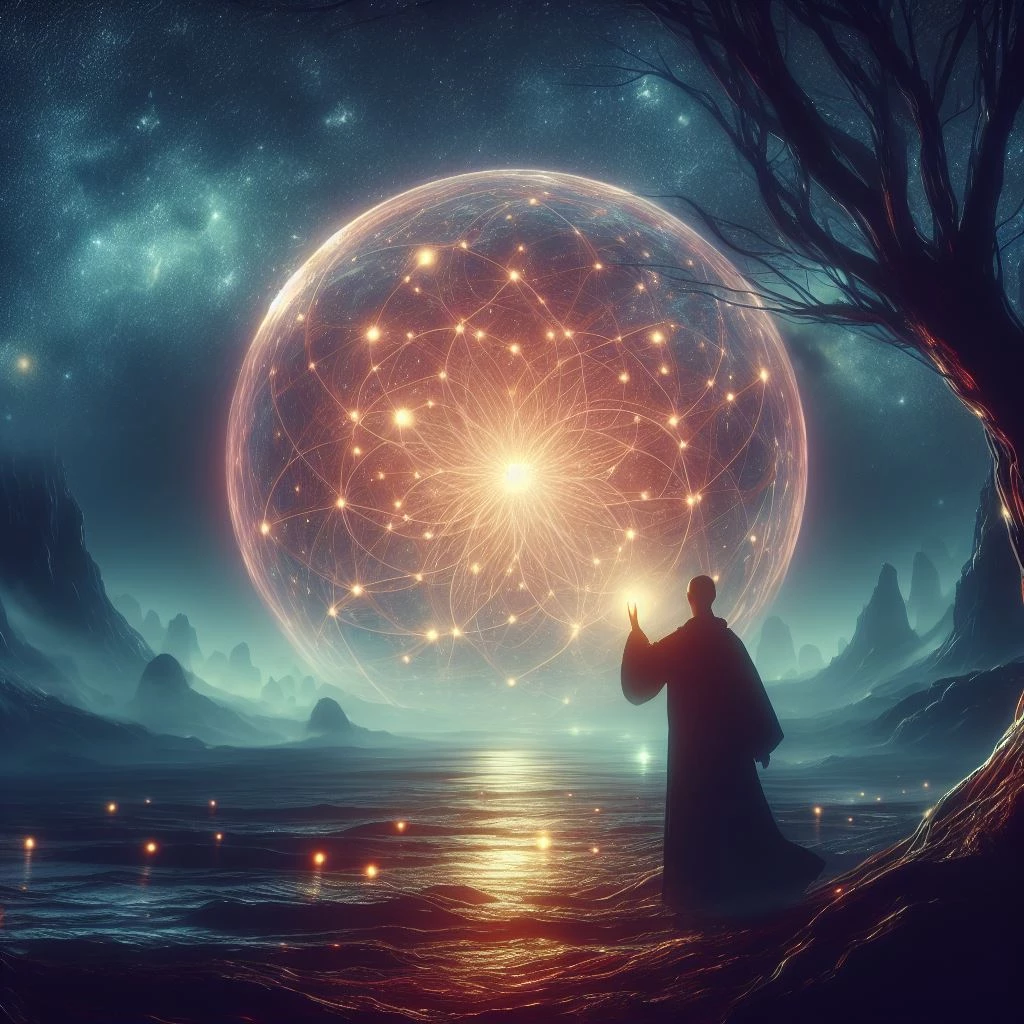
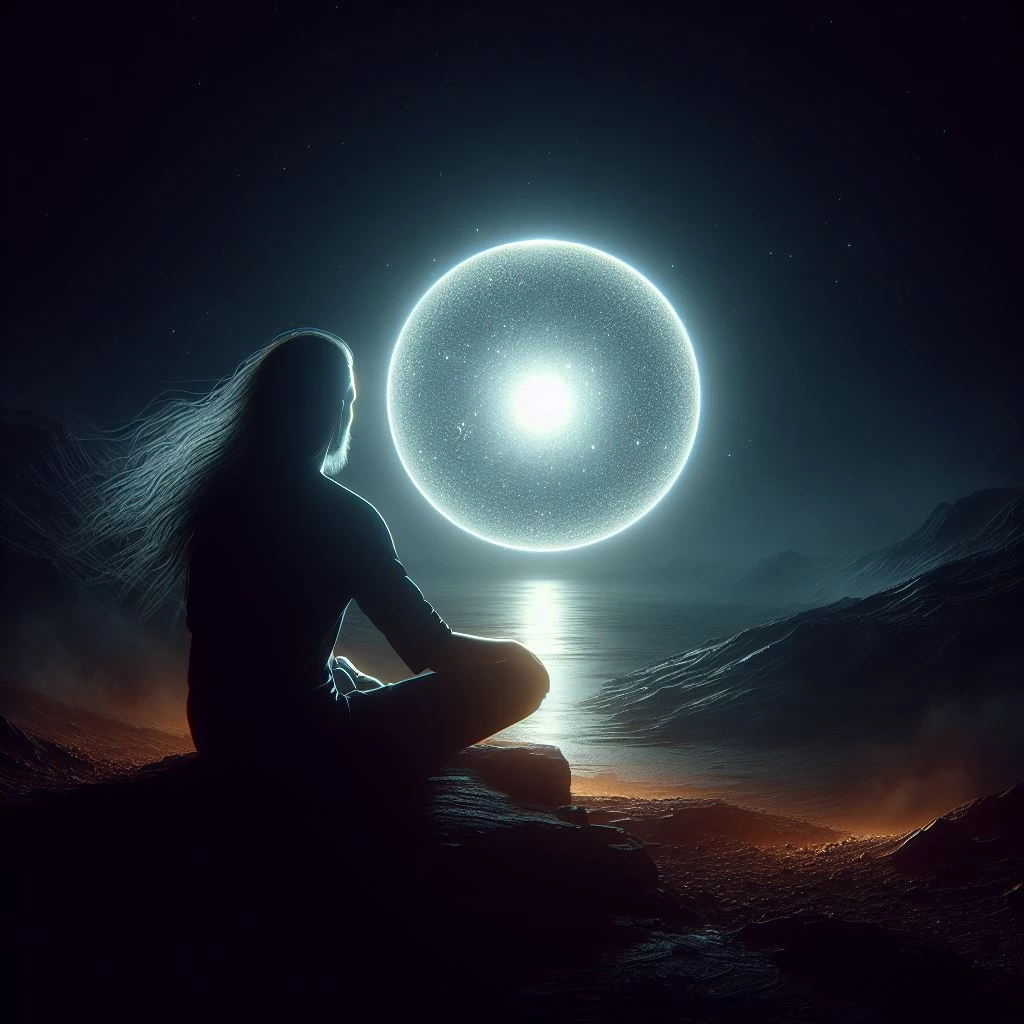
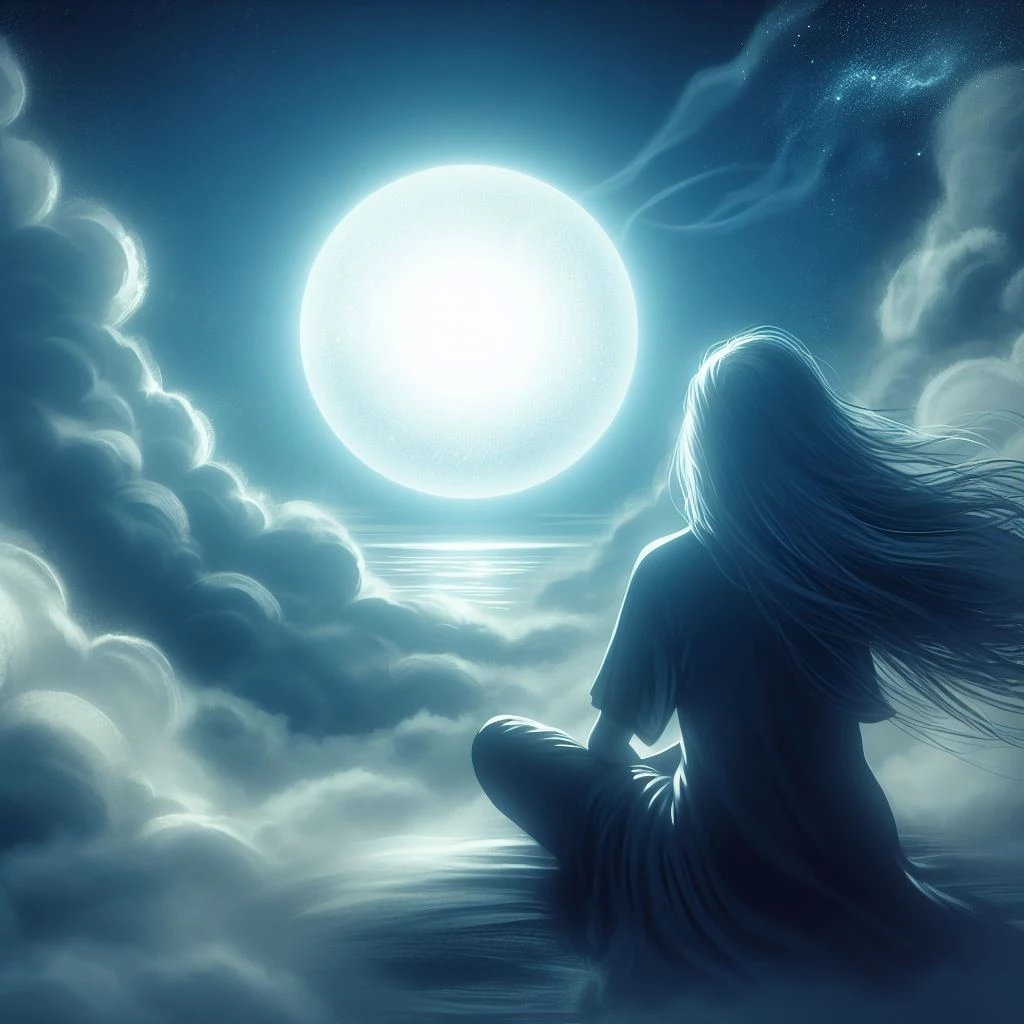
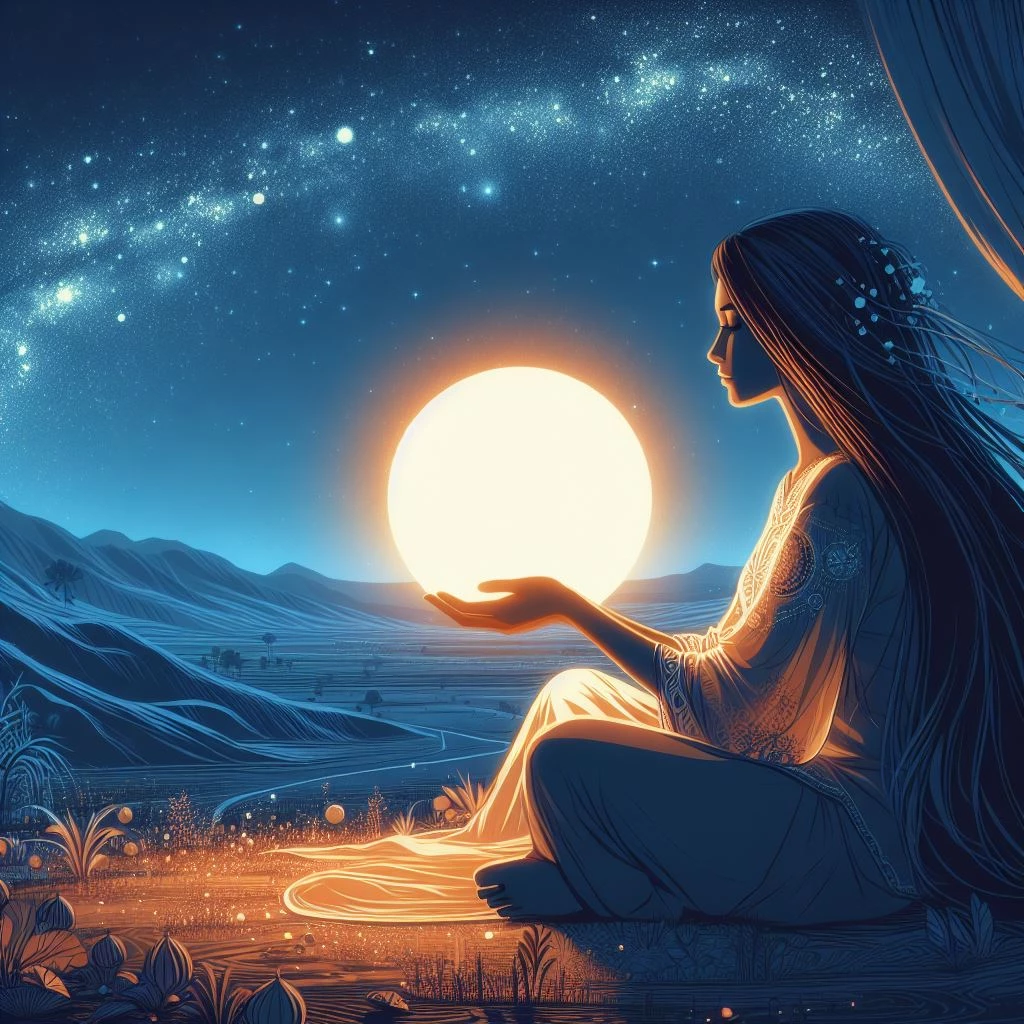
I really like the Bing Image Creator because it uses DALLE-3 to create images for free. If I had a premium account on Chat-GPT I would probably use that iteration of DALLE-3 - but I don't. I've become interested in testing the limits and tendencies of the Bing Image Creator, and so I have established a testing procedure with as few extraneous variables as possible. At first, I considered using a language-based prompt to create images, but I decided that there would be too much left up to interpretation by the LLM in regard to meanings of words. I have also come to realize that Chat-GPT 4 (which is the backbone for Bing Chat) will usually interpret a string of words differently (at least slightly) every time you present it with one. I decided to use images as the control/prompt, instead; specifically, images that I have generated with another AI: Craiyon.com which uses DALLE-mini to produce images.
This is my process:
I pick an image that I have generated on Craiyon that doesn't have any human faces in it (Bing Image Creator principally blurs all features of an image you present it with that it thinks are aspects of the human face, which I think is bullshit, especially for original images). Then I move to access the Bing Image Creator via the Microsoft CoPilot that is native to Windows 11/accessible through the Edge browser/available through the Bing Chat interface. It has three modes: "Creative", "Balanced", and "Precise" (the specific differences between these modes still elude me..). I proceed to send the "generate_graphic_image:" command to Creative mode attached to the control image from Craiyon. I do this three times, and each time, the interface returns 4 unique images, for a total of 12 images. I do this same thing for the Balanced and Precise modes and then I choose the 3 most interesting images from each set of 12. I am left with a control image, and 9 relatively high-quality images (3, each, from each of the CoPilot modes).
At best - with enough data - I can compare these sets and derive some level of expectation for the kinds of images that are generated by Bing within each mode of the interface.
At worst - I have a set of visually-appealing images that create an interesting variation on a theme.
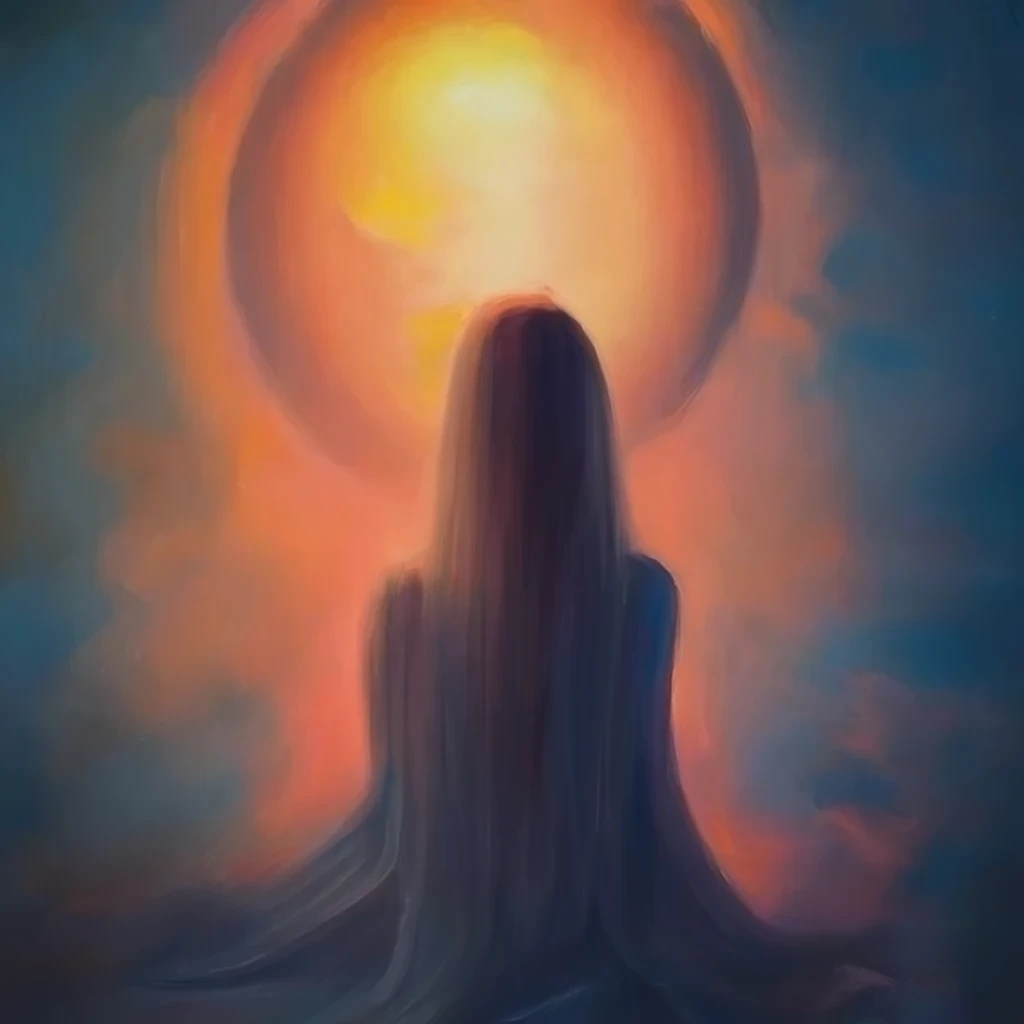
Let me know what you think about this (and the image set attached to the post) in the comments!
n.0 is the Craiyon control
n.1 - n.3 are the 'Creative Mode' variations
n.4 - n.6 are the 'Balanced Mode' variations
n.7 - n.9 are the 'Precise Mode' variations
#BingImageCreator #DALLE3 #Craiyon #ImageGeneration #CoPilotModes #AIExperiment #VariationOnATheme
This is my process:
I pick an image that I have generated on Craiyon that doesn't have any human faces in it (Bing Image Creator principally blurs all features of an image you present it with that it thinks are aspects of the human face, which I think is bullshit, especially for original images). Then I move to access the Bing Image Creator via the Microsoft CoPilot that is native to Windows 11/accessible through the Edge browser/available through the Bing Chat interface. It has three modes: "Creative", "Balanced", and "Precise" (the specific differences between these modes still elude me..). I proceed to send the "generate_graphic_image:" command to Creative mode attached to the control image from Craiyon. I do this three times, and each time, the interface returns 4 unique images, for a total of 12 images. I do this same thing for the Balanced and Precise modes and then I choose the 3 most interesting images from each set of 12. I am left with a control image, and 9 relatively high-quality images (3, each, from each of the CoPilot modes).
At best - with enough data - I can compare these sets and derive some level of expectation for the kinds of images that are generated by Bing within each mode of the interface.
At worst - I have a set of visually-appealing images that create an interesting variation on a theme.
Let me know what you think about this (and the image set attached to the post) in the comments!
n.0 is the Craiyon control
n.1 - n.3 are the 'Creative Mode' variations
n.4 - n.6 are the 'Balanced Mode' variations
n.7 - n.9 are the 'Precise Mode' variations
#BingImageCreator #DALLE3 #Craiyon #ImageGeneration #CoPilotModes #AIExperiment #VariationOnATheme
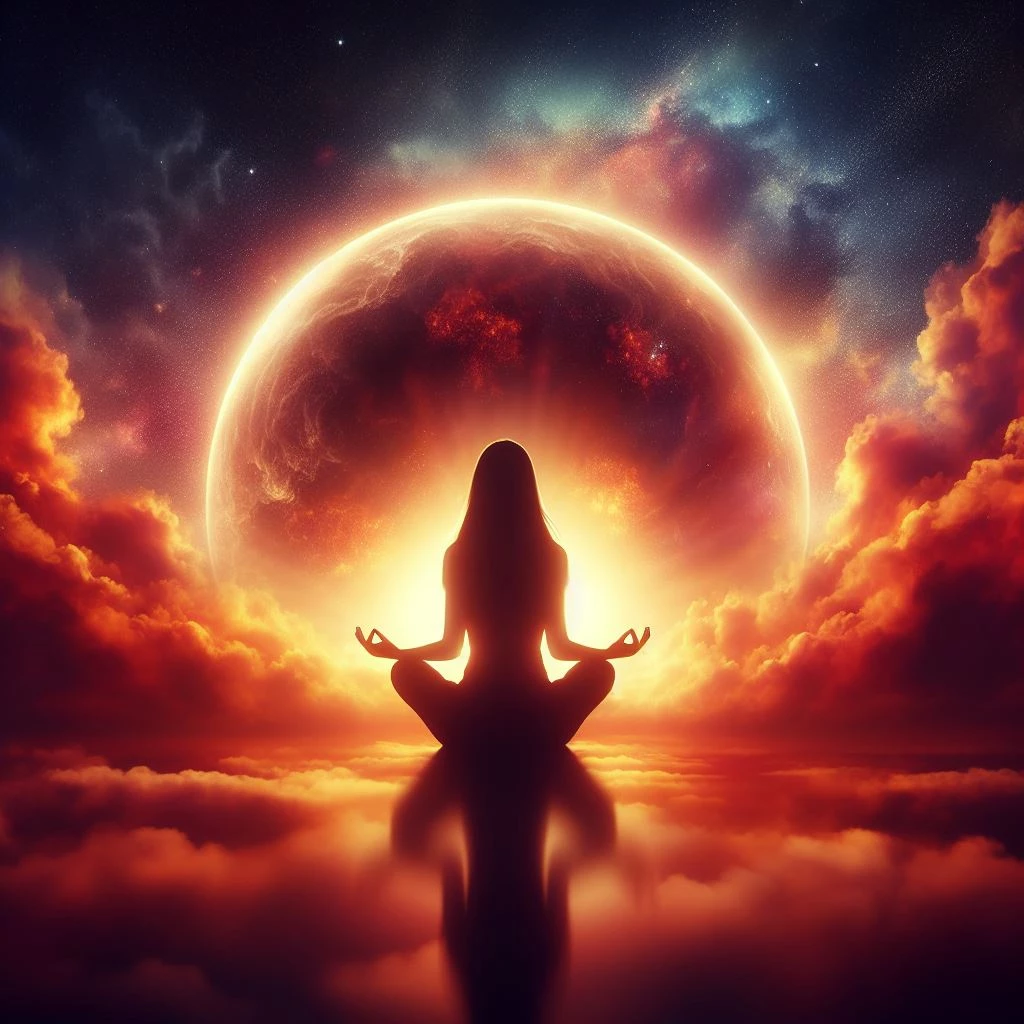
1/10
20

1

1
49 reactions
Hey Tangled! I am almost finished with my latest article. This article is going to be going over what my latest video was about. I also added in a extra tool I use for creating pictures I did not share in the video. I should be done by Friday!
If you have not had the chance to check out my latest #earn challenge then click the link below. It is a easy and fun challenge where you can earn some free Millix just from commenting and participating. From participating you will also have a chance at winning up to 20,000,000 MLX during a live wheel spin I am doing Sunday.
https://tangled.com/c/b8ad3bae30ff3f11263f24e8ad520b69c06e44f46
Here is another piece of AI art I created. This one is called “Bitcoin Beauty”. You can find the original on LimeWire!
https://limewire.com/post/1219f2ff-017f-4f99-8d20-6d3d7d4247fa
#ai #art #create #thefuture #limewire #dalle3 #bitcoin #btc #bitcoin #comingsoon #article #challenge
If you have not had the chance to check out my latest #earn challenge then click the link below. It is a easy and fun challenge where you can earn some free Millix just from commenting and participating. From participating you will also have a chance at winning up to 20,000,000 MLX during a live wheel spin I am doing Sunday.
https://tangled.com/c/b8ad3bae30ff3f11263f24e8ad520b69c06e44f46
Here is another piece of AI art I created. This one is called “Bitcoin Beauty”. You can find the original on LimeWire!
https://limewire.com/post/1219f2ff-017f-4f99-8d20-6d3d7d4247fa
#ai #art #create #thefuture #limewire #dalle3 #bitcoin #btc #bitcoin #comingsoon #article #challenge

16
4
3

3